Kubernetes Upgrade Strategies for EKS and GKE Managed Clusters
EKS and GKE share a sequence but split who does the work.
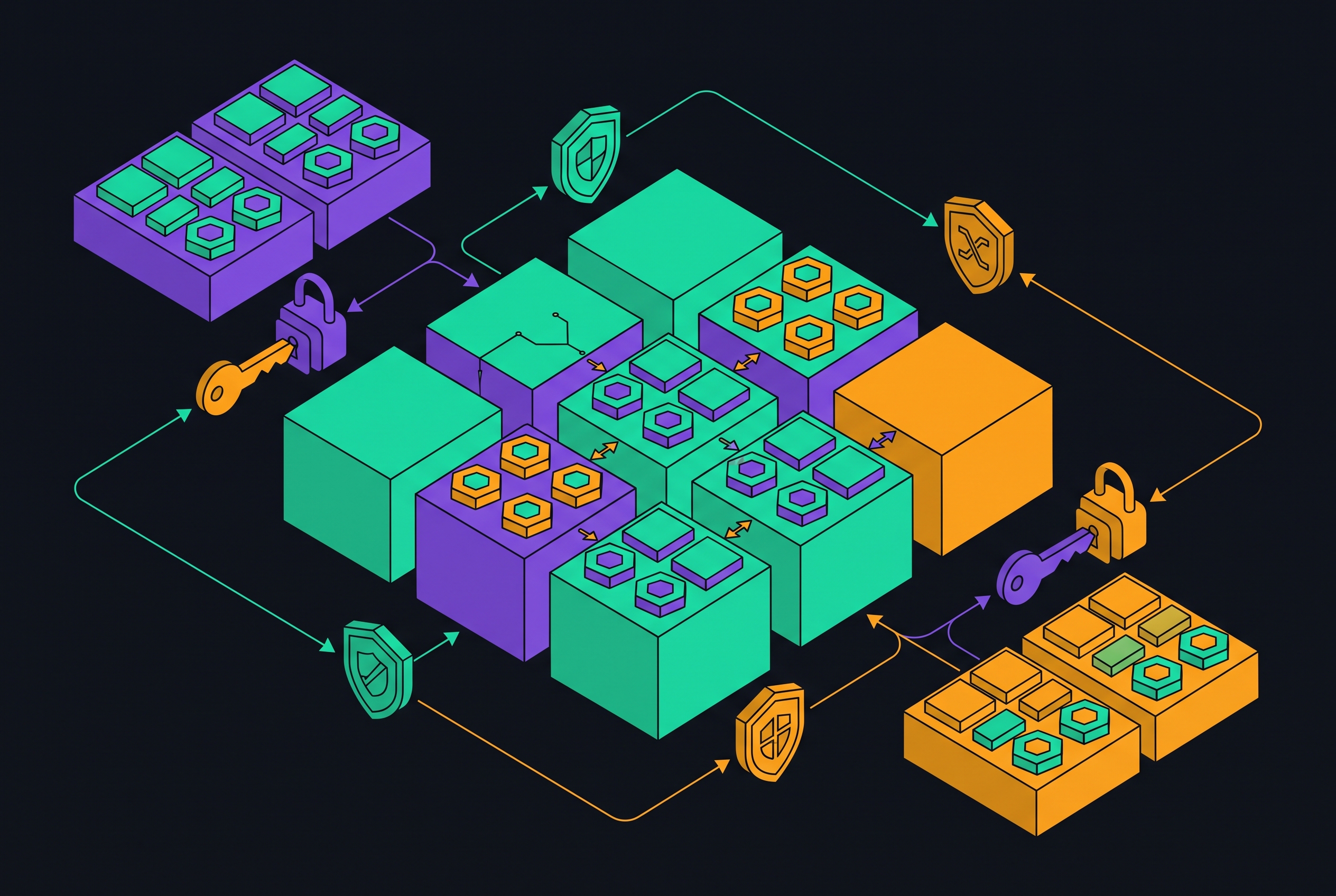
Kubernetes upgrades on EKS and GKE share a safe sequence, but not an operating model. Control plane first, add-ons second, and nodes last is only the starting point. A reliable strategy must account for each platform’s division of responsibility, compatibility risks, and recovery options rather than treating managed Kubernetes as one operation.
Why EKS and GKE upgrades are not the same operation despite sharing a common sequence
Managed Kubernetes does not mean managed upgrade compatibility. EKS requires explicit operator action at nearly every stage, while GKE automates most stages by default and constrains what operators can override. That distinction determines whether a team primarily schedules work or prepares for work the provider will initiate.
The release cadence makes that distinction consequential. Kubernetes ships roughly three minor versions per year, and both platforms require control plane upgrades one minor version at a time. Platform-specific runbooks must settle four decisions, including add-on ownership, node strategy, rollback preparation, and deadline management.
What actually breaks during a Kubernetes upgrade (and why it is rarely the control plane itself)
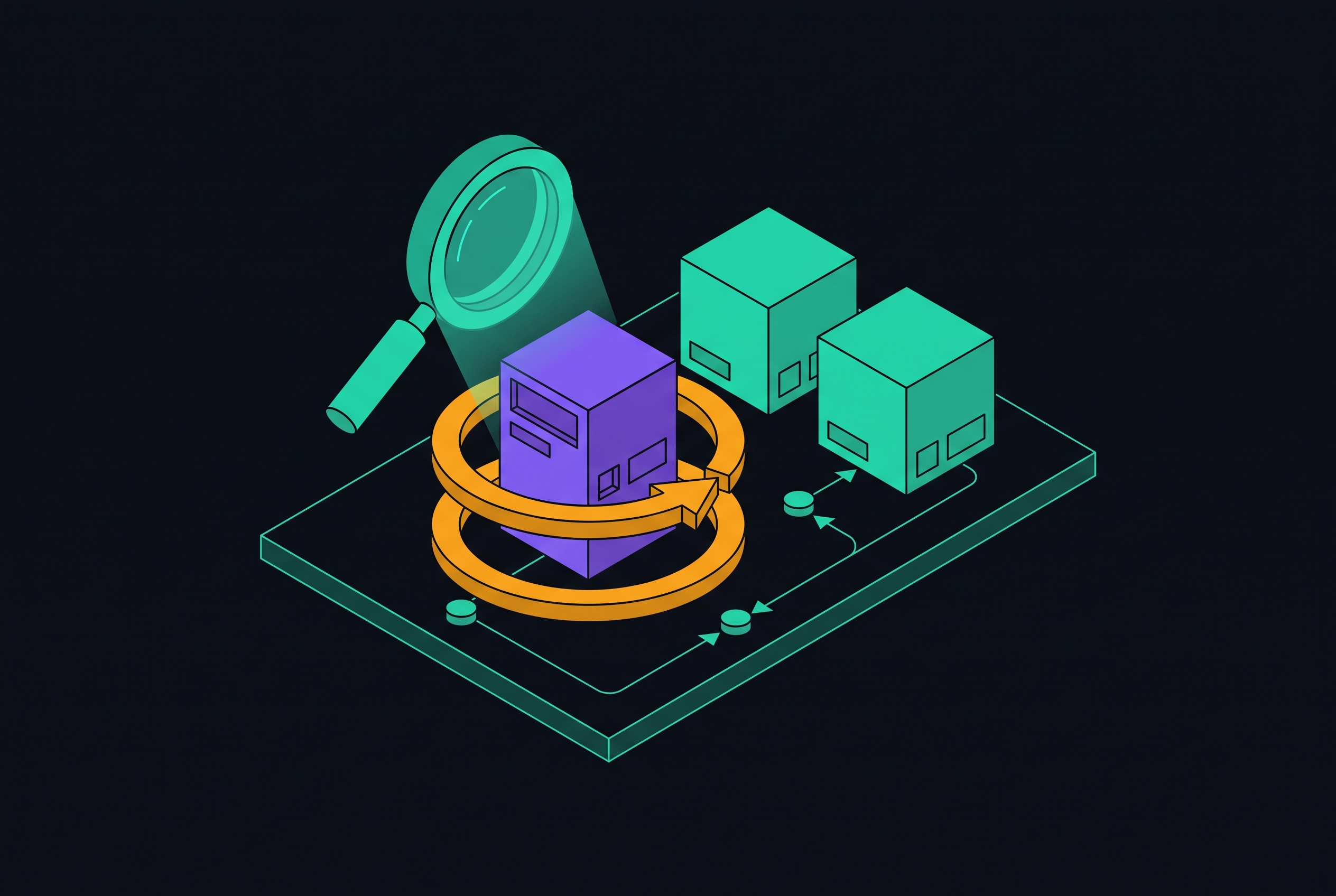
The control plane upgrade is usually uneventful. Production failures more often come from removed API versions in Helm charts and CRDs, incompatible controllers, or node image changes. Old manifests can retain deprecated APIs until an upgrade exposes the problem at apply time. Pluto and kube-no-trouble, also called kubent, scan for deprecated and removed APIs before that happens.
Disruption controls can also stop an otherwise valid upgrade. A PodDisruptionBudget with minAvailable too high for the replica count can block every eviction, leaving drains stalled and nodes on mixed versions. Separately, add-ons and controllers have compatibility requirements that the Kubernetes version number alone does not describe. Node version skew provides scheduling flexibility, but it does not preserve APIs removed from the API server. Deprecated API usage must therefore be remediated before the control plane changes.
The pre-upgrade checks that apply equally on both platforms
The shared pre-flight gate covers APIs, disruption budgets, kubelet versions, and add-on compatibility. Run Pluto or kubent against the target version across running resources, Helm releases, and local manifests. AWS EKS Best Practices recommends upgrade readiness checks before initiating an upgrade. EKS also provides a native signal through aws eks list-insights --filter categories=UPGRADE_READINESS. Neither signal replaces workload remediation before proceeding.
Use kubectl get pdb -A to identify budgets with disruptionsAllowed == 0, and confirm that each workload permits at least one disruption during maintenance. Audit kubelet versions with kubectl get nodes -o custom-columns configured to show each node’s version, resolving stragglers before advancing the control plane. Check add-on compatibility with the target version, even when the provider manages the add-ons. Finally, test the complete sequence in staging that mirrors production topology.
How EKS upgrades work and what the operator owns at each step
EKS separates the control plane operation from everything around it. The operator initiates it with aws eks update-cluster-version, and AWS performs the upgrade. Each call advances one minor version. A cluster moving from 1.34 to 1.37 must pass through 1.35 and 1.36 rather than treating the destination as one operation.
Completion does not trigger the remaining upgrades automatically. The operator must explicitly update VPC CNI, CoreDNS, kube-proxy, and EBS CSI as applicable. The AWS guide recommends doing this after the control plane and before nodes. Managed node groups then require a separate aws eks update-nodegroup-version call, which starts a rolling replacement with PDB compliance during drains. Self-managed nodes remain a separate responsibility.
Auto Mode changes that node-level division of work. After the operator upgrades the control plane, it rotates nodes automatically rather than waiting for a managed node group rollout command. Managed node groups and Fargate support three-minor-version skew starting with Kubernetes 1.28, providing room to stage data-plane changes. When operators control node group updates, the cluster autoscaler should be scaled to zero until all groups finish so it stays out of the way of controlled replacement.
How GKE upgrades work and what automatic management takes away and gives back
GKE Standard enables automatic upgrades for control planes and nodes by default. Operators shape timing through release channels, maintenance windows, and exclusions. Manual control plane upgrades remain available through gcloud container clusters upgrade <cluster> --master --cluster-version=<version> --location=<region>. Automation reduces scheduling work, but compatibility risk remains. Validation needs to expose a problem before an automatic rollout commits it.
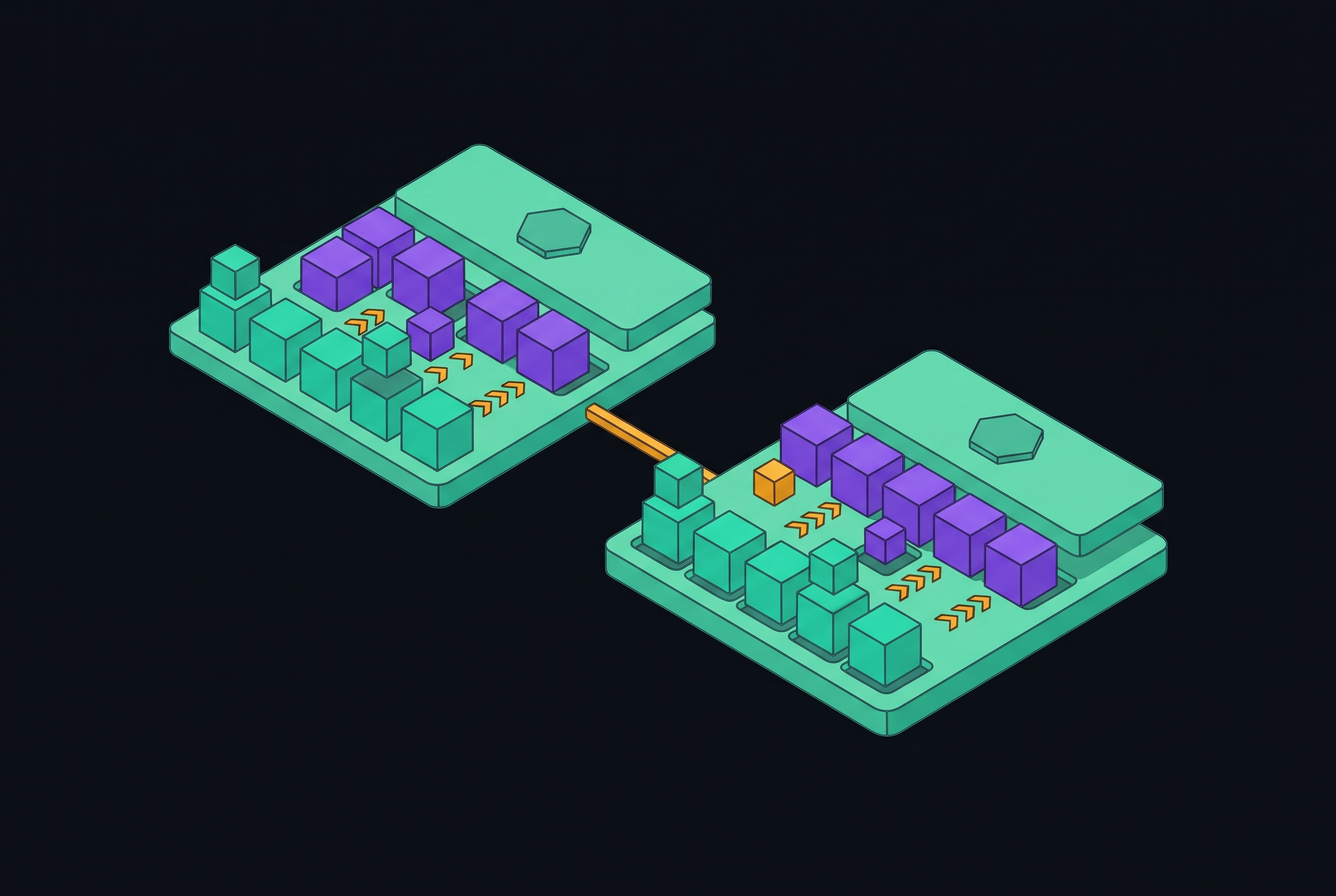
Node strategy determines how much protection surrounds that rollout. Surge upgrades add temporary capacity and complete with less resource overhead, but provide less isolation between old and new nodes. Blue-green upgrades retain two environments while workloads migrate, with a configurable soak period before the old pool is deleted. Autoscaled blue-green upgrades, currently Preview in the notes, let the cluster autoscaler manage capacity expansion. All these options still need testing, but they differ in how much resources cost and how much room they leave for validation.
What rollback actually looks like on each platform
An ordinary in-place control plane downgrade is not a dependable recovery plan on either platform. Recovery plans must be in place for nodes or the cluster. EKS permits rollback of an in-place node group upgrade within 7 days, but add-ons require separate manual reversion. Retaining an old node group provides a more dependable alternative because workloads can move back through labels or taints before the new group is removed.
GKE makes the commit boundary especially important. A successfully upgraded node pool cannot be rolled back, although a downgrade to an earlier version is a separate operation. For blue-green upgrades, direct rollback is still possible during the soak phase, before the old pool is deleted. Active validation must happen within that window. For a critical failure after completion, a parallel cluster behind a load balancer or DNS provides the practical escape route.
A parallel environment offers a recovery path that does not depend on discovering a usable revert mechanism during an incident.
The case for and against automatic upgrades on each platform
The strongest objection to automatic upgrades is legitimate. Stateful workloads, legacy APIs, and tightly pinned add-ons may need validation time that a provider’s cadence does not naturally accommodate. Automation can change the deadline, but teams still have the same testing work to do. Continuous API remediation through CI gates using Pluto or kubent addresses one major source of failure, but does not replace workload validation.
STANDARD allows AWS to upgrade the control plane at the end of standard support on the provider’s schedule. EXTENDED, the default, instead accepts higher charges to retain timing control during extended support. Operators can select the former with aws eks update-cluster-config --name <cluster> --upgrade-policy supportType=STANDARD. This automates the deadline while leaving operators responsible for the other EKS upgrade stages.
GKE offers a more continuous managed cadence through Rapid, Regular, and Stable release channels. Maintenance windows and exclusions constrain timing, while the Extended channel permits longer minor-version retention with an additional management fee during extended support. The GKE release channels documentation says that clusters outside a channel still get automatic upgrades when support ends.
The GKE "No Channel" deadline and why it changes the upgrade calculus for existing clusters
Google will remove the “No channel” option on June 14, 2027, following its deprecation on June 10, 2026. Remaining unenrolled clusters will then enter the Stable channel automatically. This is a separate deadline from any particular Kubernetes version’s support expiry. Waiting for the next planned version upgrade may leave channel selection to the provider.
Google recommends proactive enrollment before the removal date. Stable is the most cautious automatic option, while teams that need more time for validation should consider Extended. Enrollment makes the intended cadence explicit rather than relying on an opt-out that never guaranteed a version freeze. EKS has no equivalent channel-removal deadline, which makes this a specifically GKE planning obligation.
Support windows, EOL deadlines, and the extended support cost on each platform
Both providers have the same base control plane fee and extended support surcharge in the notes, with extended support substantially more expensive than the base fee. The dates that activate those charges differ, however. A fleet can therefore incur different costs for the same Kubernetes minor version depending on where each cluster runs.
AWS places the end of EKS standard support for Kubernetes 1.34 on December 2, 2026. Clusters that use extended support start paying the higher rate then, while those on the standard policy get an automatic control plane upgrade. AWS ends extended support for that version on December 2, 2027, after which the control plane is upgraded regardless of policy. Google places GKE standard support expiry for 1.34 on January 25, 2027, and for 1.35 on April 11, 2027. These provider-specific dates require an upgrade calendar rather than a single fleet-wide assumption about support.
EKS Auto Mode and GKE Autopilot and when handing off the upgrade burden makes sense
Fully managed node operation can reduce work under that deadline pressure. It does not remove the upgrade clock. EKS Auto Mode handles node rotation after the operator upgrades the control plane, enforces a 21-day mandatory rotation cycle, and monitors drift budget thresholds. It removes SSH access, custom AMIs, and custom CNI plugins. Its separate per-second management fee varies by instance type and is not covered by Savings Plans, Reserved Instances, or Spot pricing.
Reversibility is the sharper architectural distinction between the offerings. Auto Mode can coexist with regular node groups, so adoption or removal does not require rebuilding the cluster. GKE Autopilot takes over nodes entirely and uses pod resource requests as its billing unit. Returning from Autopilot to Standard requires a new cluster and workload migration. GKE Standard already patches node operating systems and enables automatic node upgrades, so Autopilot’s additional reduction in upgrade work is narrower than Auto Mode’s on EKS.
These modes work well for workloads that can run within their limits. The exchange is less node lifecycle work for less ability to gate changes at node level, with upgrade failures still possible.
Choosing a node upgrade strategy for each platform based on workload sensitivity
Workload sensitivity, capacity budget, and recovery requirements should determine node strategy. On EKS, rolling managed node group updates have the lowest overhead and suit stateless workloads with sufficient replicas and well-configured PDBs. Blue-green node groups give stateful workloads or teams that need proof before committing a parallel environment in which to test. The extra capacity lets them keep the old group. Auto Mode suits teams willing to live with its limits on access and customization and its management fee so they can hand off node lifecycle work.
On GKE, surge upgrades suit most stateless workloads because only surge capacity is added. Blue-green upgrades suit applications that are sensitive to node-level changes because soak time gives them a set window for validation, though the node count doubles for a time. GKE node upgrade strategies documentation requires control plane version 1.34.0-gke.2201000 or later and an enabled cluster autoscaler for autoscaled blue-green upgrades in Preview. That requirement is an important exception to disabling autoscaling during operator-controlled replacement.
Automating upgrade management across a multi-cluster fleet
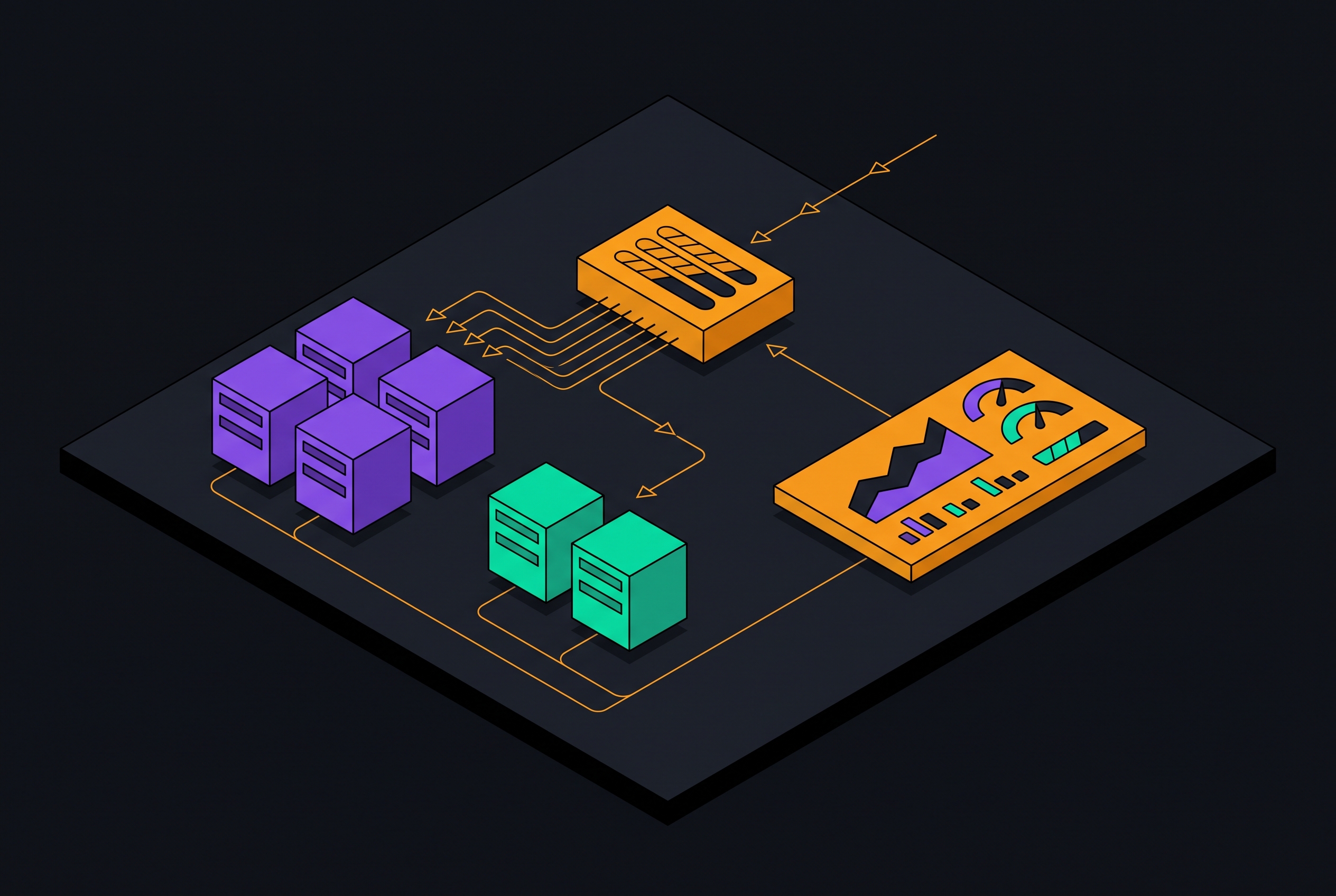
A CI step running Pluto or kubent on every pull request against the target Kubernetes version catches removed API usage before deployment. On EKS, Terraform or OpenTofu can manage cluster and node group versions with an explicit upgrade policy per cluster. On GKE, Terraform or gcloud can manage release channel enrollment, maintenance windows, and exclusions.
Deadline visibility completes that automation. Commands such as aws eks describe-cluster-versions and gcloud container clusters list --format give teams data to track versions and see when support will end across the fleet. Separate platform calendars prevent channel enrollment, standard support expiry, and extended support expiry from being treated as equivalent events. Teams can build this lifecycle automation themselves or delegate it to a platform such as Qovery. With either approach, teams still need to keep compatibility gates, validation windows, and recovery paths ready as the fleet changes.
At fleet scale, upgrade management is an ongoing operational discipline.
Sources
- Best Practices for Cluster Upgrades - Amazon EKS
Supplied the EKS upgrade sequence guidance: readiness checks, add-on updates after the control plane, node group rollout, and rollback and blue-green node group approaches.