Idle Resource Detection and Automated Cleanup in AWS
Systematically detect and remove idle AWS resources without breaking dependencies or losing data.
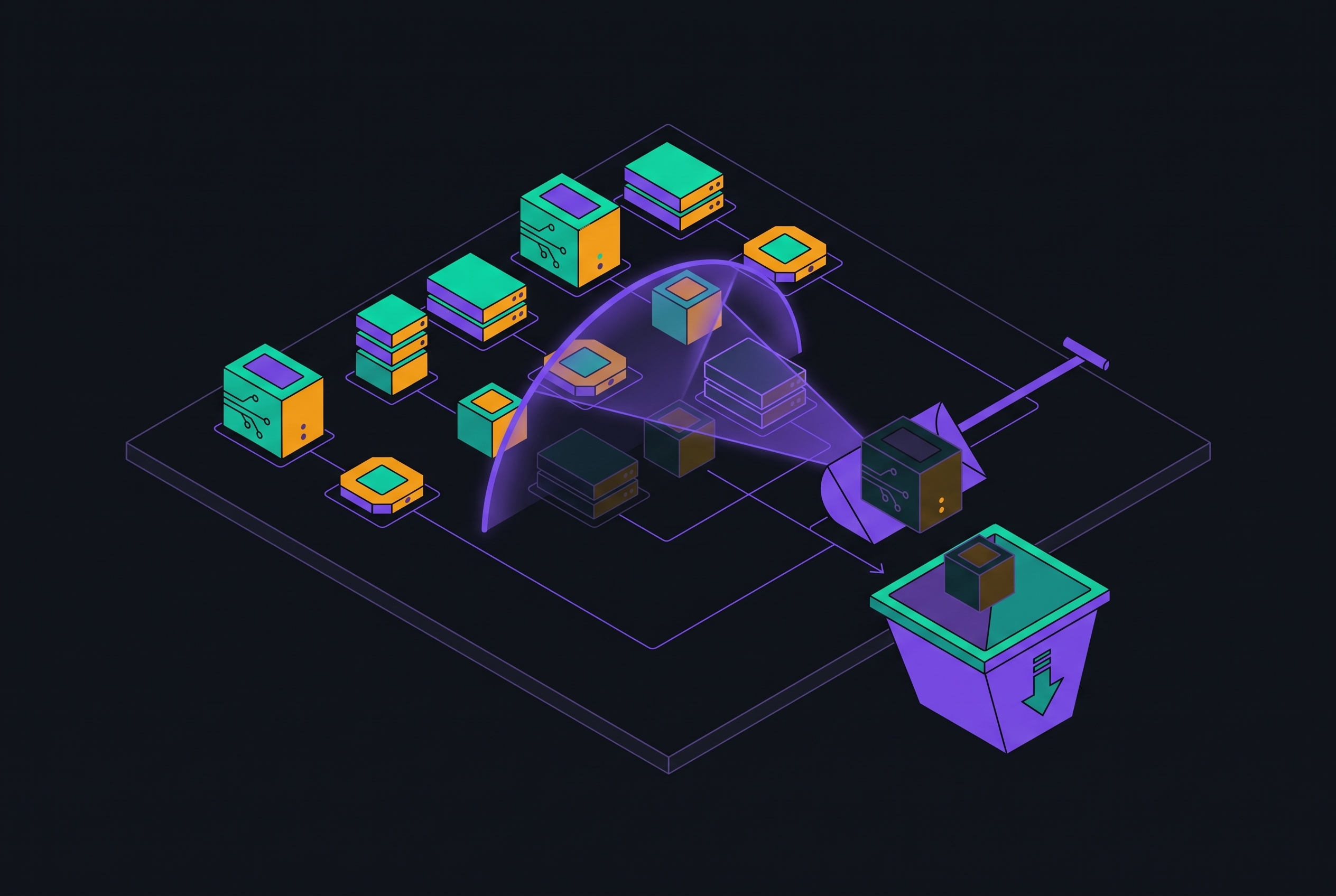
Idle resource detection and automated cleanup in AWS is a workflow problem. Resources accumulate because provisioning and decommissioning are separate processes, and utilization alone cannot establish whether something is safe to remove. A connected workflow moves from account-wide detection through dependency validation to guarded automation, with governance that keeps the same residue from returning.
Why idle AWS resources accumulate as a structural outcome of how provisioning and decommissioning work
Provisioning takes one deliberate action, while decommissioning takes several steps with nothing to enforce that all of them are done. An automation pipeline can terminate compute as intended and still leave storage behind. EC2 termination deletes root EBS volumes by default, but leaves additional non-root volumes in place unless Delete on Termination is turned on. The compute lifecycle has ended, but the storage lifecycle has not.
Networking has the same separation. NAT Gateways frequently survive VPC refactoring or application migrations because engineers update routes without removing the original gateway. Ownership can also become stale as projects end and teams reorganize, particularly where tagging standards were inconsistent. These mechanisms make accumulation a predictable structural outcome rather than simply a failure of operational discipline.
Why idle resources create compounding risk beyond cost — and why account-level scope matters before diving into individual resources
The residue creates cost, security, and governance exposure at the same time. Resources that no longer have a workload can still run up bills for compute, storage, and data transfer. Abandoned volumes that hold sensitive data and credentials that are no longer used expand the attack surface, while resources that are outside active workloads get less monitoring and fewer security updates. Unowned resources also leave policy boundaries unmanaged, potentially retaining permissive IAM policies or shared-service dependencies. A billing-only cleanup therefore addresses only part of the problem.
In a large estate, the inventory must begin with accounts before moving to individual resources. Audits that look only at active accounts can miss member accounts created for projects, sandboxes, acquisitions, or pilots. Closing an account without dependency checks can disrupt shared services, but keeping it indefinitely preserves an unmanaged boundary. Each account needs a known purpose, accountable owner, lifecycle state, and expected workload before its resource-level cleanup queue begins. This establishes the scope within which detection can be considered complete.
How AWS Compute Optimizer surfaces idle resources across an expanding set of resource types
AWS Compute Optimizer provides the primary entry point for systematic detection by analyzing CloudWatch utilization metrics at account or AWS Organization level. Its Idle resources view under Recommendations consolidates findings across regions, showing resource IDs, resource types, triggering findings, and estimated monthly savings. The GetIdleRecommendations API exposes those findings programmatically.
AWS expanded idle recommendations on June 8, 2026, beyond EC2 instances, Auto Scaling groups, EBS volumes, ECS on Fargate, Aurora and RDS, and NAT Gateways. The additions cover Amazon DynamoDB provisioned tables, Amazon ElastiCache clusters using Redis and Valkey, Amazon MemoryDB clusters, Amazon DocumentDB provisioned and serverless clusters, Amazon WorkSpaces desktops, and Amazon SageMaker endpoints. The expansion brings managed databases, caches, and ML inference into the same workflow as compute and storage. Those layers have historically been harder to audit manually.
The criteria remain specific to each service. DynamoDB provisioned tables qualify with zero consumed read and write capacity over 14 days. For ElastiCache to qualify, it must have zero new connections, minimal engine CPU, zero cache hits and misses, and zero GetType and SetType commands over 14 days. MemoryDB uses zero new connections, minimal engine CPU, and zero keyspace hits and misses over the same window. DocumentDB uses zero database connections, while SageMaker endpoints use zero invocations over that lookback period.
WorkSpaces AlwaysOn uses zero user connections over 63 days, allowing more room for infrequent access than the shorter window. Non-root EBS volumes qualify if they have fewer than one combined read/write operation per day over the lookback period. Compute Optimizer also examines NAT Gateway route-table associations before flagging a gateway as idle. These criteria establish inactivity within an observation window.
How AWS Trusted Advisor and Cost Optimization Hub extend detection coverage and centralize prioritization
AWS Trusted Advisor complements Compute Optimizer with checks for idle EC2 instances, underutilized EBS volumes, unassociated Elastic IPs, and idle load balancers. A Business Support+, Enterprise Support, or Unified Operations support plan is needed to run all of its checks. That requirement is a practical coverage constraint. Running both tools catches categories that one tool alone can miss and gives signals from both for resource types they share.
Cost Optimization Hub then consolidates recommendations across both tools and across AWS accounts in an organization. Its de-duplicated savings keep a resource that is flagged twice from showing up as two separate chances to save. Seeing all of one account does not show the whole estate, so the view needs to span the organization. Using Hub findings with AWS Cost Explorer analysis helps rank candidates by how much they affect the bill, whichever tool found them, producing a prioritized review queue for validation.
Why a Compute Optimizer finding is a candidate for review, not a deletion order — and how to validate it
An idle finding can be a false positive because inactivity does not establish absence of purpose. A bi-annual reporting job, disaster recovery standby, or batch host may legitimately remain quiet beyond a 14-day observation window. Provisioning genuinely infrequent workloads on demand can be preferable, but that is a redesign decision requiring dependency checks. Detection must therefore produce a candidate state that is distinct from approval for removal.
The distinction matters most where removal is irreversible. Deleting a load balancer permanently releases its DNS name, and an erroneous deletion requires manual recreation and reconfiguration. A recovery snapshot cannot bring back what was lost. Validation must establish both whether the resource still serves a purpose and what would break if it disappeared.
For EC2, review scheduled jobs, Auto Scaling group membership, storage attachments, Elastic IP dependencies, and recent CloudTrail activity. CloudWatch CPUUtilization and NetworkIn/Out provide supporting evidence. For EBS, inspect Terraform state or CloudFormation references, retention requirements, and the availability of a recovery snapshot. Stopped EC2 instances need a separate audit because attached storage, provisioned IOPS, Elastic IPs, detailed CloudWatch monitoring, and paid Marketplace AMI licensing can continue billing after compute charges stop.
For load balancers, review ActiveConnectionCount, RequestCount, healthy targets, and DNS references. For NAT Gateways, check the route-table associations, including disaster recovery routes, and look at connection and packet activity. For Lambda functions, check the linked API Gateway routes, S3 triggers, and EventBridge rules because a trigger that is inactive can hide a function that is still needed.
For databases and caches, review active connections, replica relationships, backup schedules, and failover configuration. Low utilization with active dependencies points toward rightsizing. For WorkSpaces, supplement the connection window by validating the assigned user's status with their manager or HR record. Ownership checks run in parallel across all resource types, and an unidentified owner increases deletion risk because an undocumented dependency may still exist.
How to build safe automated cleanup using Lambda, EventBridge, and SSM — with the guardrails that make automation trustworthy
The standard serverless pattern uses Amazon EventBridge to trigger an AWS Lambda scan on a recurring schedule. Lambda identifies resources meeting idle criteria and, after validation, invokes an AWS Systems Manager Automation document to perform the approved action. SSM provides an auditable, reusable, policy-controlled execution layer that separates deletion calls from scanning code. In multi-region environments, Lambda must explicitly iterate across regions to avoid leaving forgotten regions untouched.
Protection begins before scanning with an opt-out tag such as SkipCostAutomation = True. Lambda must check that tag so teams can protect resources the automation must not touch. Before live operation, dry-run mode should log proposed targets to CloudWatch or send alerts through AWS Chatbot. It should run through at least one full scheduling cycle before deletion is turned on. For storage removal, the workflow creates a final snapshot, and an EBS deletion must wait until snapshot completion.
Least-privilege IAM applies throughout this progression. Testing starts with Describe and List permissions, and Stop, Delete, or Terminate permissions are added only after the dry-run has been checked. The relevant pairs are permissions to describe instances with permissions to stop or terminate them for EC2, and permissions to describe volumes with permissions to delete them for EBS. Snapshot cleanup pairs inspection permissions with deletion permissions, Elastic IP cleanup pairs DescribeAddresses with ReleaseAddress, and RDS cleanup pairs database-instance inspection permissions with deletion permissions. Permissions remain scoped to the resource types the automation actually handles.
Every cleanup action should log the resource ID, action taken, triggering finding, and timestamp to CloudWatch. That record makes the process accountable and supplies recovery context if removal was wrong. Some deletions remain irreversible even with that record, so the audit trail complements validation. The sequence of checks and controlled execution provides the safeguard.
Phi Partners' July 2025 case describes a Lambda and EventBridge solution for AMI and snapshot cleanup. It reduced AMI- and snapshot-related storage costs by up to 97% and eliminated hundreds of obsolete images across multiple regions.
In 2025, a UK financial services organization found hundreds of manual RDS snapshots that it had kept longer than its 90-day retention policy allowed. An EventBridge and Lambda solution evaluated snapshots daily against retention requirements and substantially reduced snapshot storage costs.
How AWS Config rules and Organizations guardrails shift idle detection from reactive cleanup to proactive enforcement
Scheduled cleanup removes existing waste, but AWS Config connects remediation to the state changes that produce it. Config rules keep checking resources against the policies in place and can trigger alerts or automated remediation. An unattached EBS volume that violates a retention policy can enter a snapshot-and-delete workflow. Because rules can respond when a resource enters a defined state, the review need not wait for the next scheduled scan. This narrows the gap between compute termination and storage disposition.
AWS Organizations guardrails extend that control to provisioning by enforcing tagging requirements and blocking resources that do not meet baseline standards. A missing Owner tag can trigger an immediate finding, while an expired TTL can trigger review before a quarterly audit. Compute Optimizer identifies inactivity, CloudWatch helps validate the signal, and Config enforces the policy response. Together, these controls make the earlier workflow durable by supplying lifecycle and ownership information from the beginning.
Where the connected workflow still has gaps — and what reduces the risk of automation acting on incomplete information
AWS's State of Cost Efficiency report found that only a small share of customers who can enable EC2 memory metrics do so, though those who do have 8 to 30 percentage points higher savings per recommendation. Without memory data, a Compute Optimizer finding is incomplete.
Savings estimates require a separate financial check. Compute Optimizer uses account-specific pricing discounts when savings estimation mode is enabled and standard On-Demand pricing otherwise. Neither calculation deducts commitments already locked in through Reserved Instances or Savings Plans. Deleting a resource that those commitments cover in full leaves the bill unchanged until the commitment ends.
Dependency and ownership gaps also remain. No native tool automates end-to-end review of all cross-service references, including S3 triggers linked to Lambda functions and CloudFormation references to security groups. Reorganizations can make ownership records stale faster than tagging audits refresh them. Enforcing policies improves the inputs, but judgment is still needed when those inputs are incomplete.
Turn on EC2 memory metrics through the CloudWatch agent on instances that support them before generating recommendations. Extend lookback periods where known workload schedules require them. Before approving automated deletion, cross-reference findings with CloudTrail activity and IaC state, including Terraform state files and CloudFormation stack exports. Treat SkipCostAutomation = True as an agreed way to opt out and check the exemptions every quarter. These measures keep the workflow connected from detection to evidence to action, rather than allowing an incomplete signal to become an irreversible decision.
Sources
- Announcing Six New Idle Resource Recommendations in AWS Compute Optimizer
Provided the specific idle criteria for each of the six new resource types added to Compute Optimizer, including DynamoDB, ElastiCache, MemoryDB, DocumentDB, WorkSpaces, and SageMaker endpoints.
- AWS Compute Optimizer now supports idle recommendations for six additional resource types - AWS
Confirmed the June 8, 2026 announcement date and the list of six additional resource types added to AWS Compute Optimizer idle recommendations.